



























































































































































Best Mouse for Your Laptop in 2026: Top Choices for Everyday Use
-
Khalid M Raza
- July 9, 2026
- 0
- 11 min read

Affiliate Disclosure: Some links in this article are affiliate links. If you purchase a product through these links, Tumido News may earn a commission at no additional cost to you. As an Amazon Associate, we earn from qualifying purchases of the best mouse.
With extensive experience using different types of mice on laptops and desktops, I’ve compiled this article for you. It is so important to know which mouse is best for your laptop or desktop. The mouse for your laptop would be the one you choose from what I’m talking about, to give you multiple options. Choose one and feel comfortable using the mouse for your laptop. Here we go.
Using a laptop for long hours can be convenient, but relying solely on its built-in touchpad isn’t always the most comfortable or productive option. Whether you’re working from home, managing a business, editing photos, attending online meetings, or simply browsing the web, a good mouse can significantly improve your daily computing experience.
The right mouse offers more than accurate cursor control. It can reduce hand fatigue, improve posture, increase productivity, and make everyday tasks feel smoother. Features such as ergonomic designs, silent buttons, adjustable DPI, wireless connectivity, rechargeable batteries, and programmable shortcuts have transformed the humble computer mouse into an essential productivity tool.
Options
Today, there are hundreds of options available. Some are designed for business professionals who spend eight or more hours at a desk. Others focus on portability for travellers, while gaming mice prioritise speed and precision. Because of these differences, choosing a better mouse depends on how and where you use your laptop.
In this guide, we’ll explore the most important features to consider before buying a mouse, compare the different types available, and recommend some of the best options for office work, business professionals, students, remote workers, creatives, and everyday users. By the end of this article, you’ll have a clearer understanding of which type of mouse is best suited to your laptop and your workflow.
How to Choose the Best Mouse for Your Laptop
Buying a mouse may seem simple, but choosing the right one can make a noticeable difference to your comfort and productivity. The best mice aren’t necessarily the most expensive ones. The ones that match your work style, hand size, and daily routine.
1. Ergonomic Design Matters
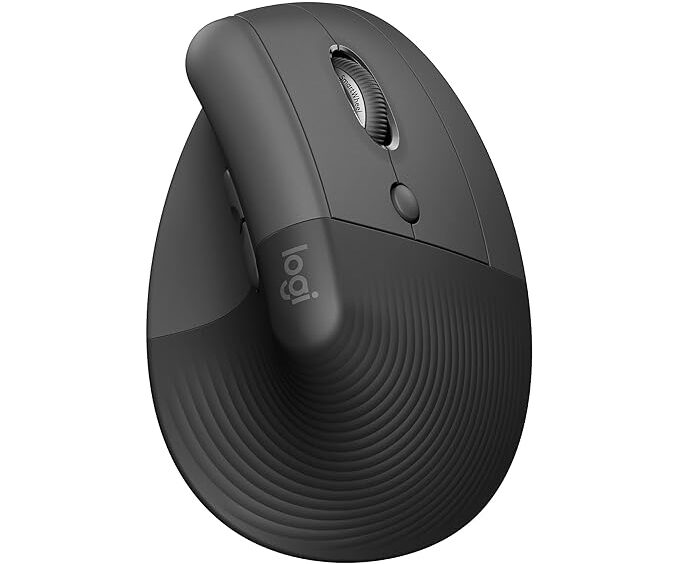
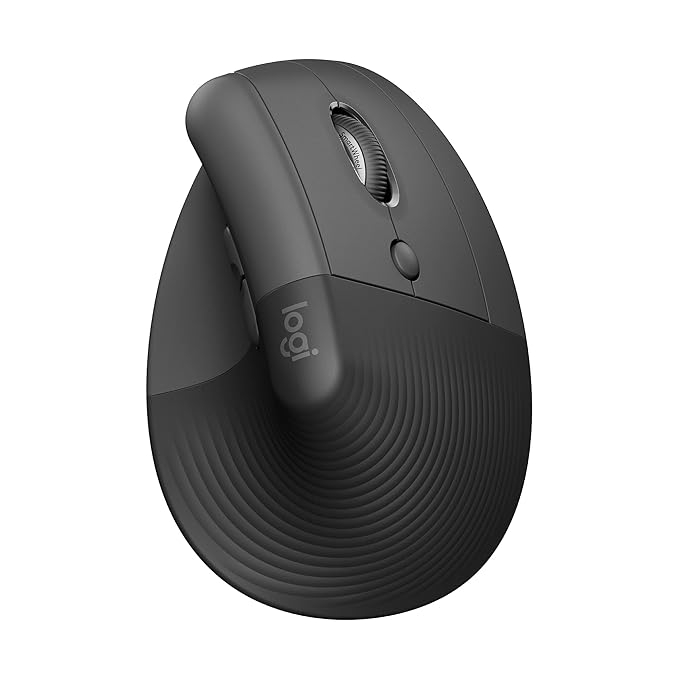
If you use your laptop for several hours every day, comfort should be your top priority. Ergonomic mice are designed to support your hand naturally, reducing strain on your wrist and fingers during long working sessions.
Many business professionals, programmers, writers, designers, and office workers prefer ergonomic designs because they help make extended computer use more comfortable.
Best for: Office workers, remote employees, and business professionals.
2. Wired or Wireless?
This is one of the first decisions you’ll need to make.
Wireless Mouse
Wireless mice connect using Bluetooth or a USB receiver. They eliminate cable clutter and are ideal for travelling or working in cafés, airports, classrooms, and meeting rooms.
Advantages
- Cleaner workspace
- Easy to carry
- Greater freedom of movement
- Excellent for laptops
Wired Mouse
Wired mice connect directly through a USB port and don’t require charging or batteries. They’re a dependable choice for users who prefer a simple plug-and-play experience.
Advantages
- No charging required
- Stable connection
- Often more affordable
For most laptop users, a wireless mouse offers the best balance of convenience and portability.
3. DPI and Cursor Precision
DPI (Dots Per Inch) measures how sensitive a mouse is.
A lower DPI provides slower, more precise cursor movement, which can be useful for detailed editing tasks. Higher DPI settings allow the cursor to move farther with less hand movement, making navigation quicker on larger screens.
Many modern mice include adjustable DPI buttons so users can switch sensitivity depending on the task.
4. Battery Life
Nobody enjoys a mouse that constantly needs charging.
Many wireless mice now offer impressive battery life, ranging from several weeks to many months on a single charge or battery. Rechargeable models are environmentally friendly, while replaceable-battery models often last for extended periods before needing new batteries.
If you travel regularly, choosing a mouse with long battery life can save time and reduce interruptions.
5. Silent Clicks
Traditional mouse buttons can become surprisingly noisy in quiet environments.
Silent-click mice are increasingly popular among professionals because they reduce clicking sounds while maintaining responsive performance.
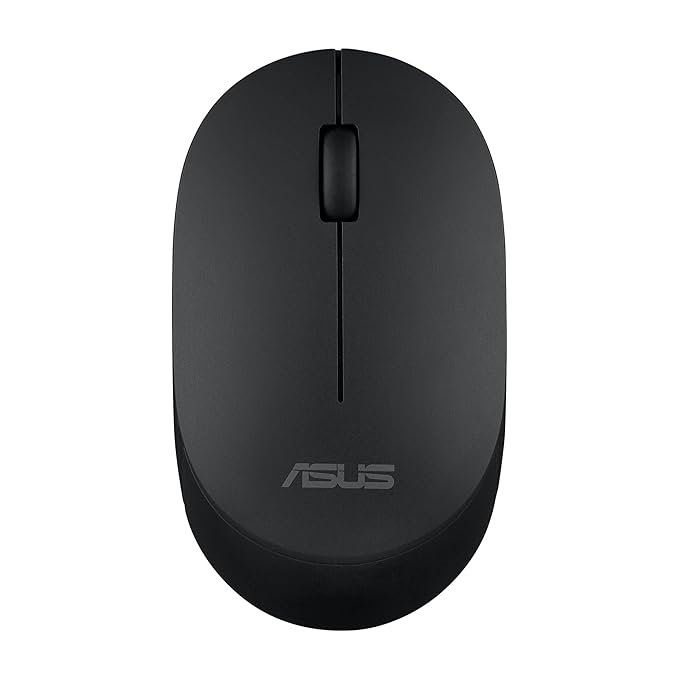
They’re especially useful in offices, libraries, classrooms, shared workspaces, and during late-night work sessions.
6. Portability
Frequent travellers should look for lightweight and compact mice that fit easily into a laptop bag without taking up much space.
Some travel mice even include built-in storage for their USB receiver, helping prevent small accessories from getting lost.
Which Mouse Is Best for Different Users?
Business Professionals
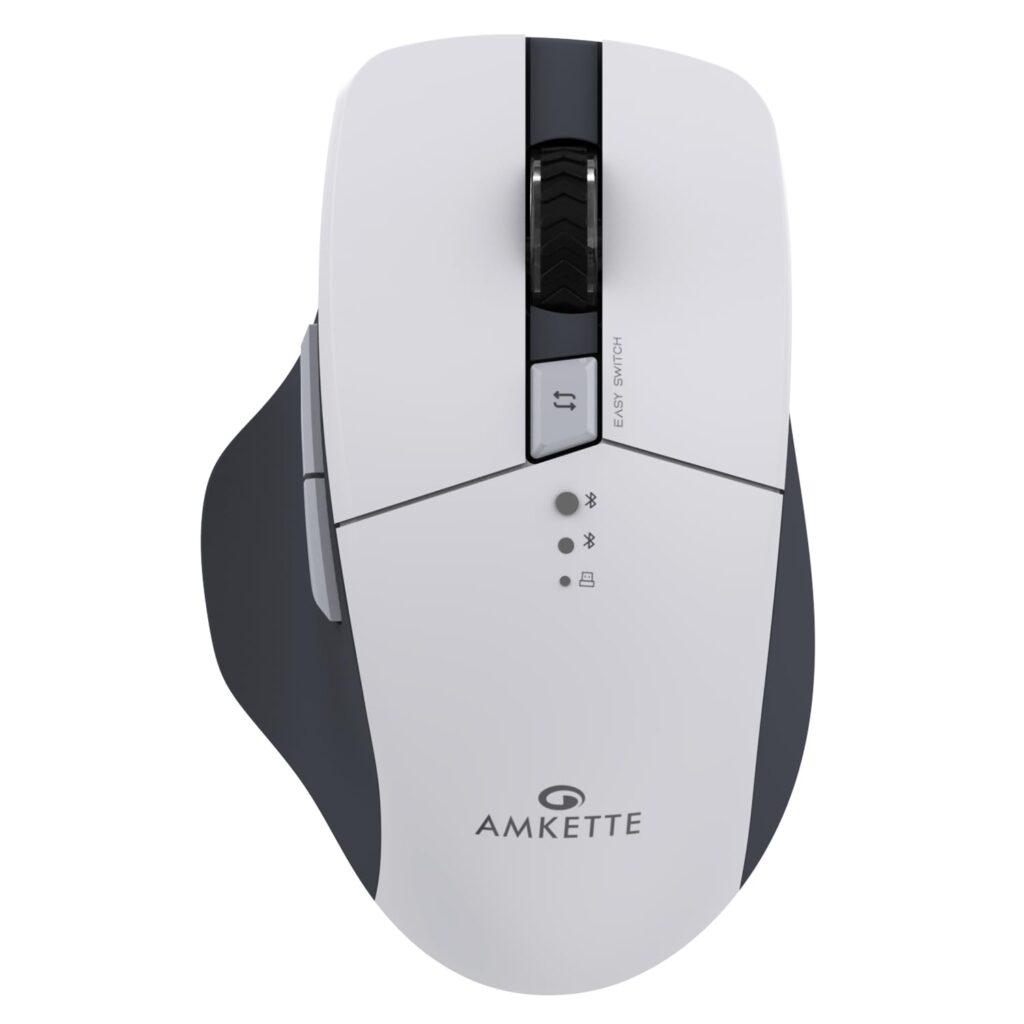
Choose an ergonomic wireless mouse with silent buttons, long battery life, and reliable Bluetooth connectivity. Comfort becomes increasingly important if you spend several hours each day working on reports, presentations, or video meetings.
Students
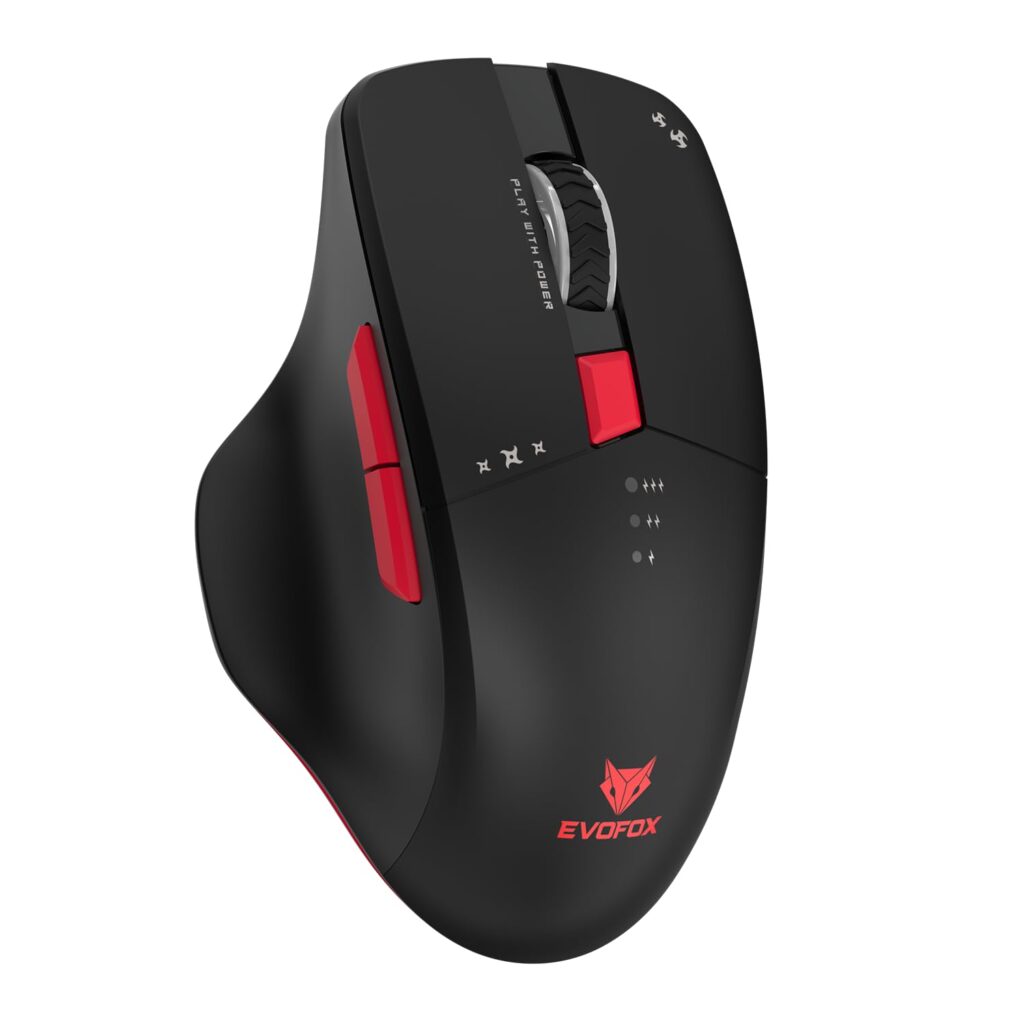
A lightweight wireless mouse with adjustable DPI and affordable pricing is usually sufficient for studying, assignments, and everyday browsing.
Remote Workers
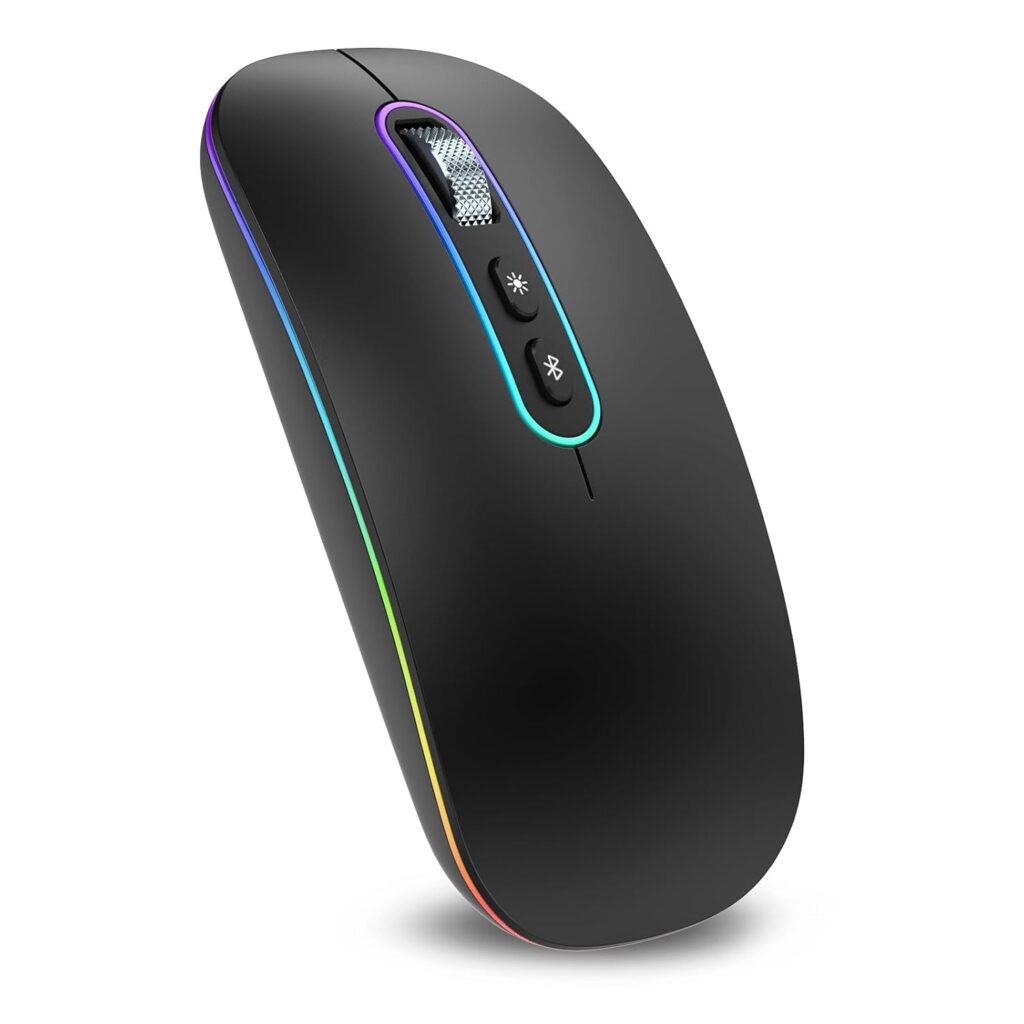
Look for a comfortable mouse with programmable buttons, smooth scrolling, and dependable wireless performance. These features can improve productivity throughout the working day.
Content Creators
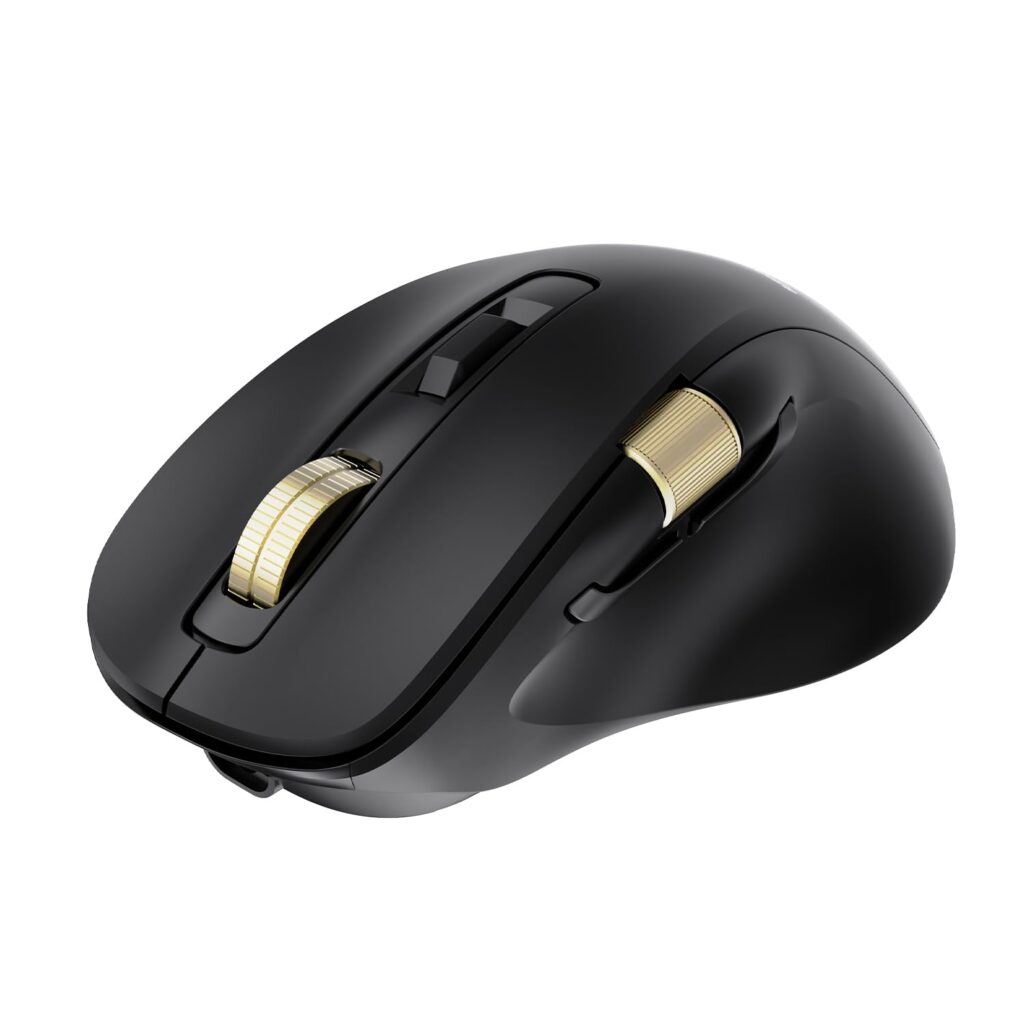
Photo editors, video creators, and graphic designers often benefit from a precision mouse with high DPI settings and additional programmable buttons that speed up repetitive tasks.
Casual Users
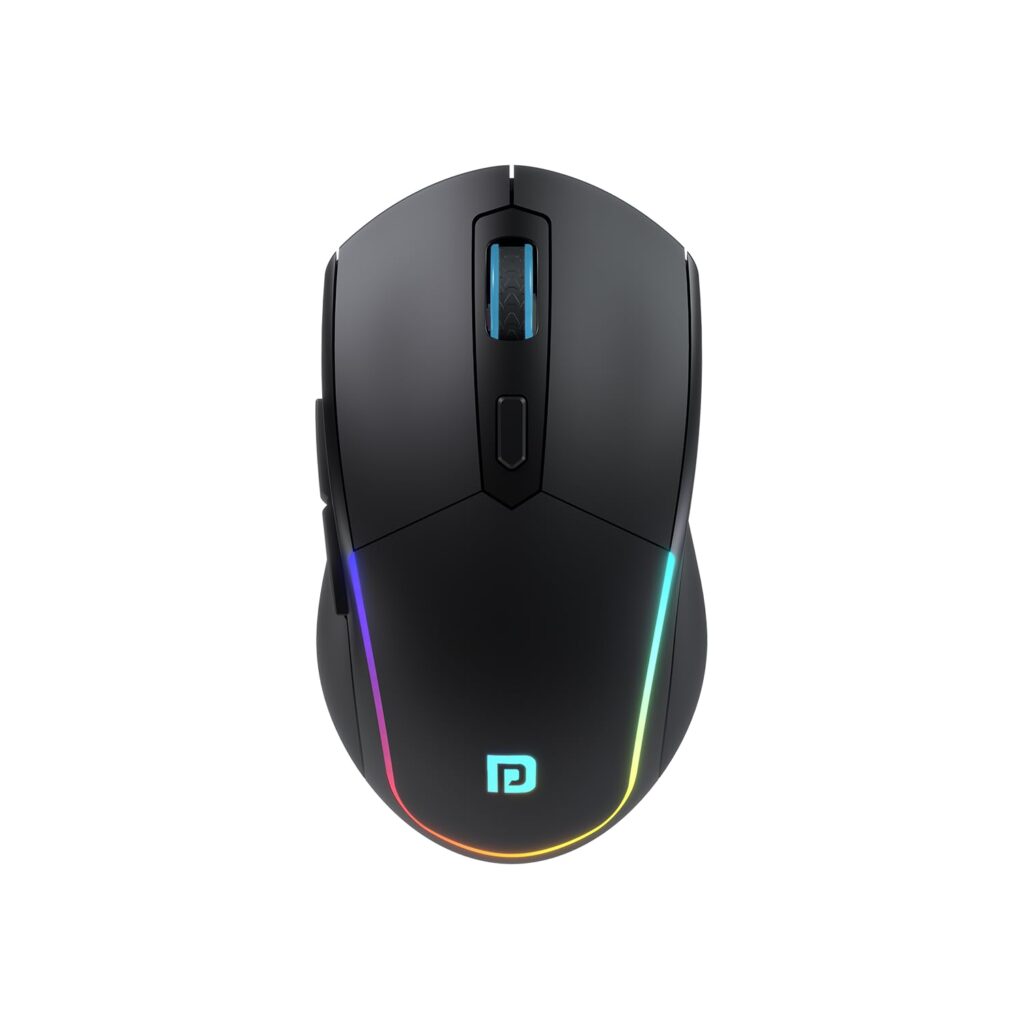
If you mainly browse the internet, shop online, stream videos, or use office applications occasionally, a simple wireless mouse with a comfortable shape and dependable battery life will meet most everyday needs.
Features Worth Paying For
Before making your purchase, consider these features:
- Ergonomic design
- Wireless or Bluetooth connectivity
- Adjustable DPI
- Long battery life
- Silent buttons
- Lightweight construction
- Reliable tracking
- Comfortable grip
- Durable build quality
- Multi-device support for users who work across more than one computer
Choosing a mouse with the right combination of these features can improve comfort, reduce fatigue, and make everyday laptop use more enjoyable. Also, I’ll recommend the best types of mice for different users. I will discuss the advantages and disadvantages of each, as well as our favourite frequently asked questions. I’ll help you decide which mouse is the right companion for your laptop.
Which Mouse Should You Buy?
The Types of Best Mouse for Laptop Users
Instead of searching for a single “best” mouse, it’s often more useful to choose one that matches the way you use your laptop.
For Business Professionals
An ergonomic wireless mouse is an excellent choice for professionals who spend long hours working on documents, spreadsheets, presentations, and virtual meetings. A comfortable grip, silent buttons, and reliable wireless connectivity can make everyday work smoother and help reduce hand fatigue.
Recommended features:
- Ergonomic shape
- Bluetooth or 2.4GHz wireless connectivity
- Silent clicking
- Long battery life
- Adjustable DPI
For Students
Students usually benefit from a lightweight, affordable wireless mouse that is easy to carry between home, school, university, and libraries.
Recommended features:
- Compact design
- Lightweight body
- Long battery life
- Affordable price
- Reliable performance
For Remote Workers
Remote workers often switch between video calls, emails, spreadsheets, and web browsers. Therefore, comfort and productivity should be the main priorities.
A mouse with programmable buttons, smooth scrolling, and dependable wireless performance can make multitasking easier throughout the day.
For Content Creators
Graphic designers, photographers, video editors, and digital artists generally require greater cursor precision.
A high-quality mouse with adjustable DPI, additional shortcut buttons, and accurate tracking can improve editing workflows and save valuable time.
For Travellers
Frequent travellers should choose a slim and lightweight mouse that fits easily into a laptop bag.
Bluetooth connectivity is particularly useful because it eliminates the need for carrying a USB receiver on compatible laptops.
Advantages of Using an External Mouse
- Improves comfort during long working sessions.
- Reduces dependence on the laptop touchpad.
- Offers better cursor accuracy.
- Increases productivity when multitasking.
- Makes photo editing and document work easier.
- Provides smoother scrolling and navigation.
- Helps maintain a more natural hand position.
- Easy to carry alongside most laptops.
- Available in a wide range of prices.
- Suitable for business, education, and personal use.
Disadvantages
- Wireless models require charging or battery replacement.
- Premium ergonomic mice can be more expensive.
- Larger mice may occupy additional space in laptop bags.
- Some advanced features may only work with companion software.
- Budget models may not offer the same comfort or durability as premium options.
Frequently Asked Questions (FAQs)
1. Is a wireless mouse better than a wired mouse for laptops?
For most laptop users, yes. Wireless mice provide greater freedom of movement, reduce cable clutter, and are easier to carry. Wired mice remain a good choice for users who prefer a simple plug-and-play experience.
2. Can using the best mouse improve productivity?
Yes. Many users find that an external mouse offers more precise control than a touchpad, making tasks such as editing documents, browsing spreadsheets, and selecting text more efficient.
3. What is the ideal DPI for everyday work?
A moderate DPI setting works well for most office tasks. Many modern mice also allow users to adjust DPI depending on their preference and screen size.
4. Are ergonomic mice worth buying?
If you spend several hours each day using a laptop, an ergonomic mouse can improve comfort and reduce strain during extended use.
5. Which mouse is best for business professionals?
A wireless ergonomic mouse with silent buttons, dependable battery life, and accurate tracking is generally well suited to business environments.
6. Do Bluetooth mice work with all laptops?
Many modern laptops support Bluetooth, but compatibility varies by device. Some wireless mice also include a USB receiver, providing an alternative connection method.
7. How long do wireless mouse batteries last?
Battery life depends on the model and usage. Some mice operate for weeks, while others can last for several months on a single charge or battery.
8. Is an expensive mouse always better?
Not necessarily. The best choice depends on your needs, comfort, and the features you use most often rather than price alone.
Everything in a Few Words:
An external mouse may seem like a small accessory. Still, it can have a significant impact on comfort, productivity, and the overall laptop experience, whether you’re a business professional working long hours, a student completing assignments, a remote worker attending virtual meetings, or a creative professional editing content. Choosing the right mouse can make everyday tasks easier and more enjoyable.
There is no single mouse that is perfect for everyone. Instead, focus on finding one that matches your workflow, preferred grip style, portability needs, and budget. Ergonomic designs are ideal for extended work sessions. Compact wireless models suit travellers. Precision mice can benefit creative professionals.
Purchase The Best Mouse:
Before making your purchase, compare features such as battery life, connectivity, comfort, build quality, and warranty. Investing in a well-designed mouse can improve your daily workflow and provide lasting value. With so many excellent options available, choosing the right mouse for your laptop is one of the simplest ways to create a more comfortable and productive workspace.
Note: This article, written by Khalid M. Raza and published on Tumido News, aims to help readers understand the real events in business, trade, and market trends and growth. All written content here is on the writer’s ‘Writes RIGHT for YOU’ basis, and if you have any questions, please leave a comment. All content on Tumido News is for the information and knowledge of our esteemed readers. Feel free to ask.
Also Read: